AI Systems
Shipping a Desktop AI App Solo
A cross-platform desktop AI assistant on a live auto-update feed, with code signing on both platforms and subscription auth, built and shipped by one person.
- Platforms
- Windows + macOS
- Updates
- Auto, signed
- Access
- Subscriptions
Problem
There is a canyon between “I built an app that runs on my machine” and “I ship software other people quietly receive updates for.” Crossing it solo means solving everything product teams split across roles: packaging, code signing, update infrastructure, authentication, and payments, on two operating systems with two different sets of rules.
Result of crossing it: JarvAI
JarvAI is a desktop AI assistant application for Windows and macOS that I design, build, sign, and ship alone. It runs on a live auto-update feed: users install once and every release after that arrives automatically, verified and signed.
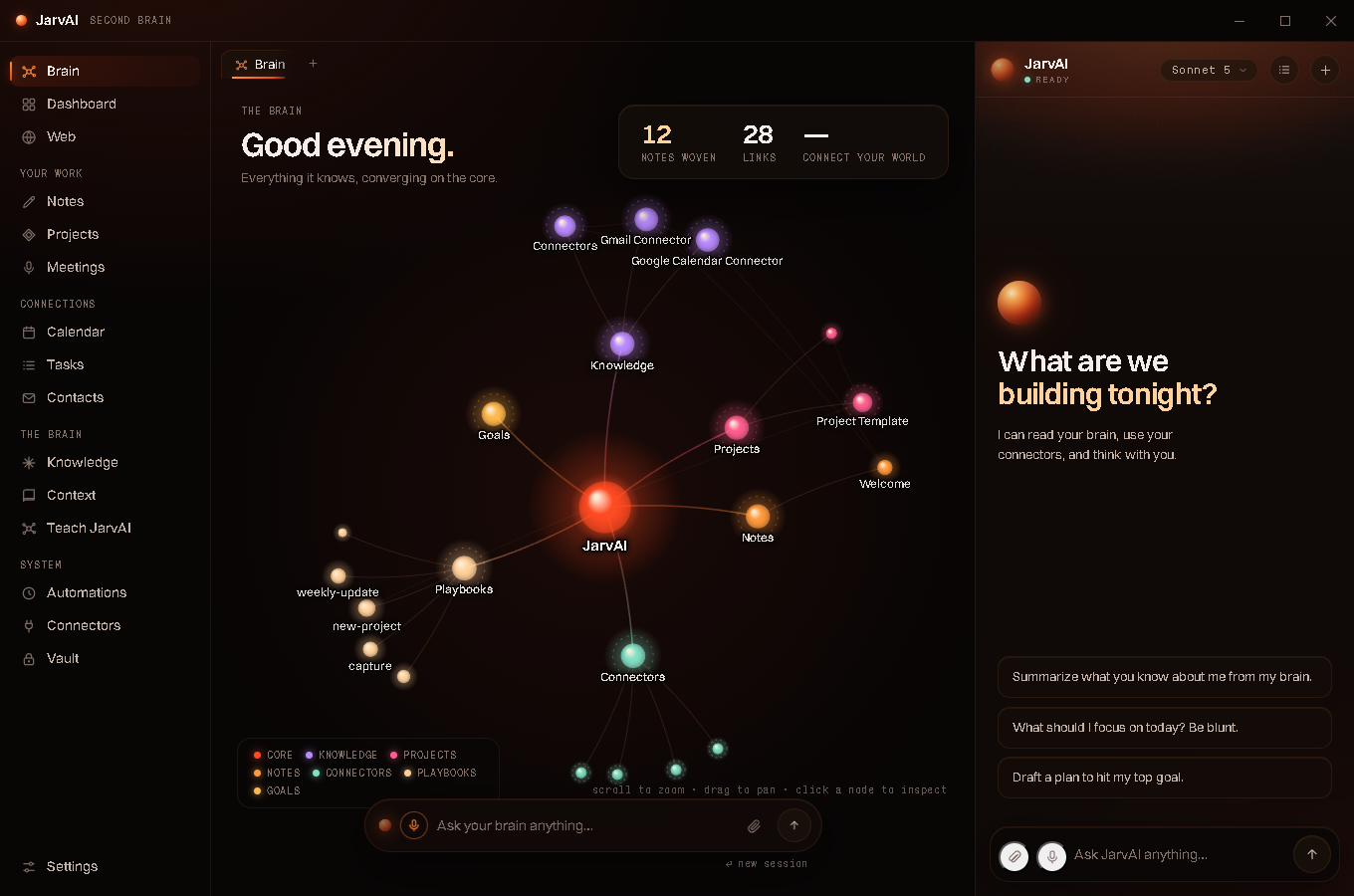
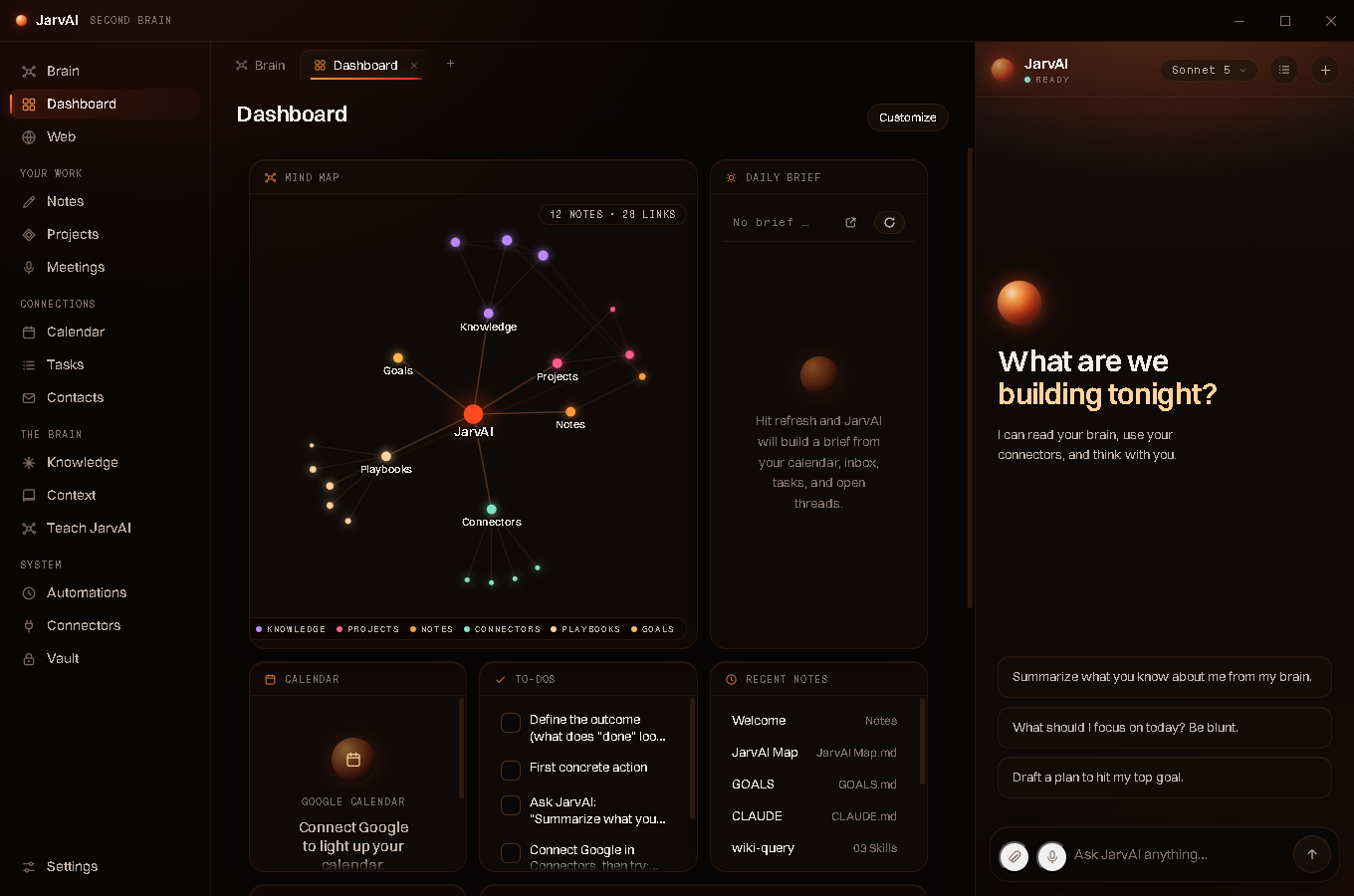
The interface centers on a knowledge graph of the user’s own notes and connectors, with a persistent assistant panel that stays open across every view, from that graph to the operational dashboard underneath it.
The hardest single problem was macOS. Apple’s ecosystem assumes a paid developer account for signed auto-updates, and the standard advice is that you cannot have them without one. I engineered a self-signed code-signing pipeline that satisfies the updater’s integrity checks, proving out free, secure auto-update delivery on macOS, then validated the full ad-hoc to self-signed crossing on real installs. On Windows, releases are signed and delivered through the same feed discipline.
Access runs on real product infrastructure: authentication and subscription state live in Supabase, and the app enforces a hard subscription gate, so it behaves like commercial software, not a side project with a login screen painted on.
Why it matters
Every release on the feed is an argument that I can carry software across the finish line: versioned builds in the v0.11 line, dual-platform packaging, update servers, signing chains, and paywall enforcement, all operating together. Building features is common. Shipping is the skill.