Infrastructure
A Datacenter at Home
Enterprise-grade virtualization, segmented networking, real backups, and 20+ self-hosted services, run as production.
- Self-hosted services
- 20+
- Hypervisor
- VMware vSphere
- Managed like
- Production
Problem
You do not learn enterprise infrastructure from a course. You learn it by being the person responsible when the hypervisor misbehaves, the backup silently fails, or the firewall rule you wrote at midnight locks you out. So I built the environment that forces that learning: a homelab run with production discipline, on the same classes of tools enterprises run.
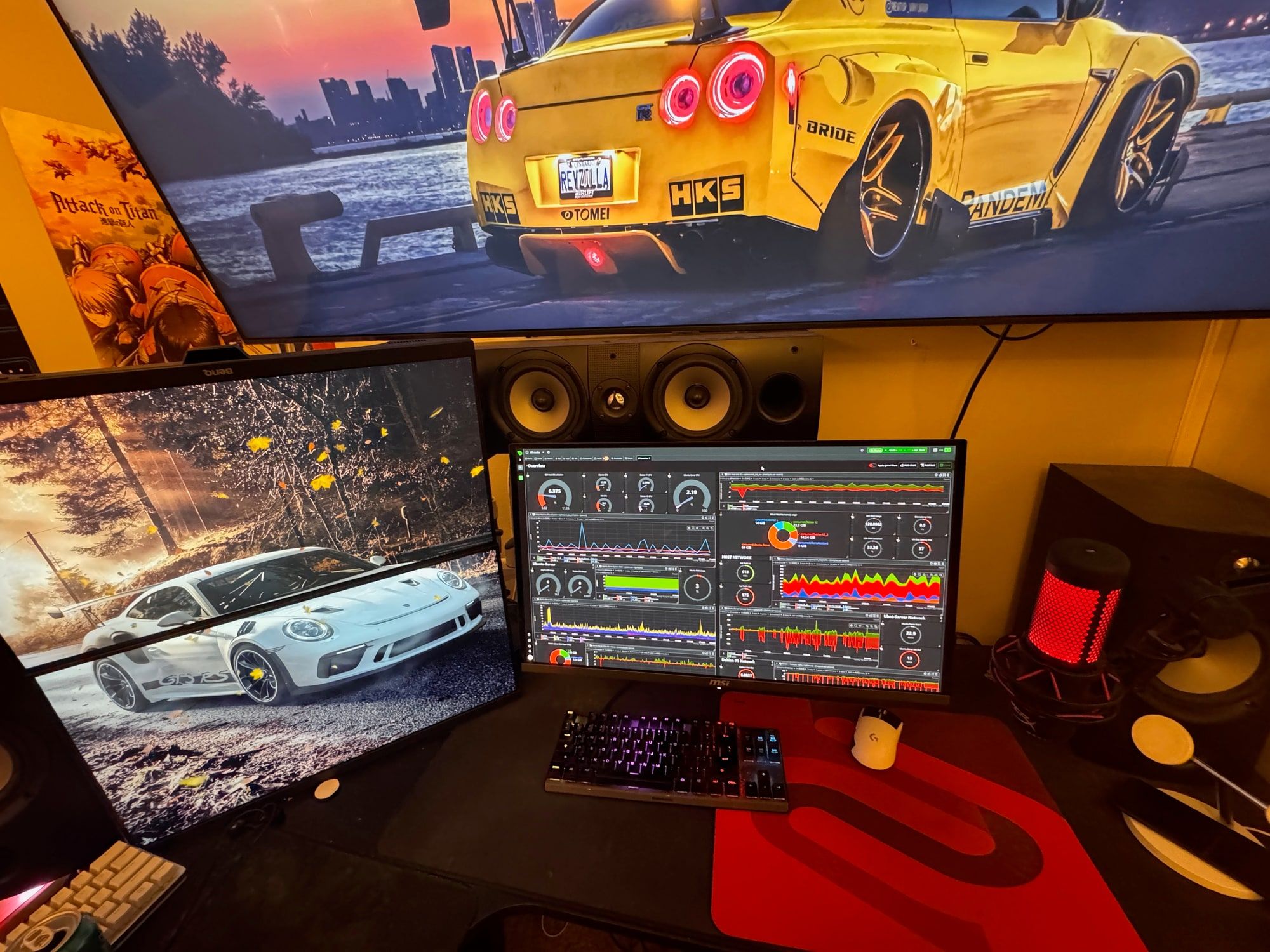
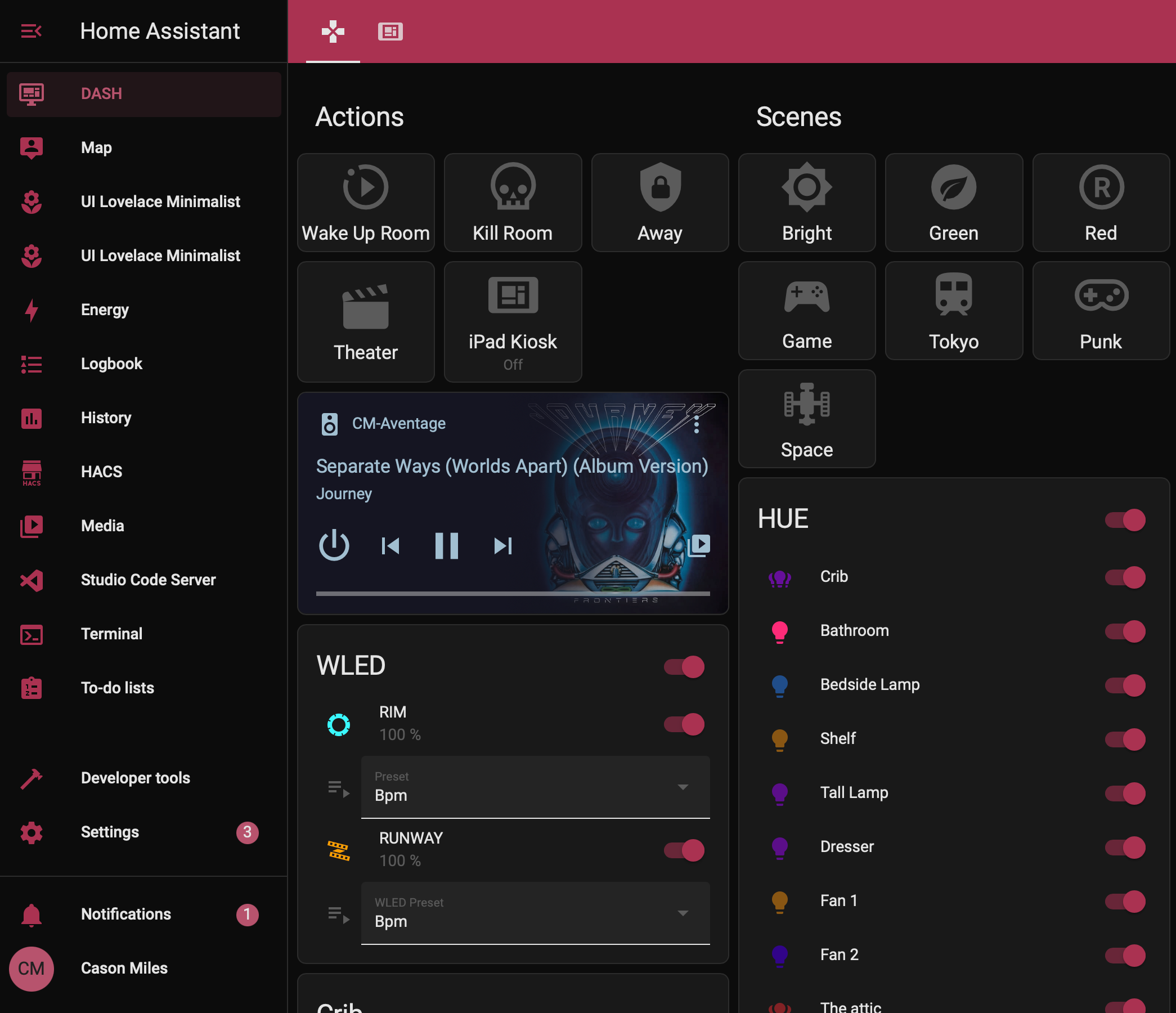
Every dashboard on this page is a live pane I actually look at, not a screenshot staged for the portfolio.
Approach
The backbone is Dell PowerEdge server hardware with iDRAC out-of-band management, running a VMware vSphere environment (vCenter over ESXi) that hosts a fleet of Debian and Ubuntu virtual machines.
A Cisco Catalyst 3750X sits at the core carrying five VLANs: services, users, guest, VPN and an isolated management network. It is deliberately pure layer 2, so every inter-VLAN flow hairpins back to the edge and gets inspected rather than silently switched.
That edge was OPNsense, running as a virtual machine on the very hypervisor it protected, doing firewall, DHCP, recursive DNS and reverse proxy for the whole estate.
Veeam Backup & Replication protects it all, because infrastructure without tested backups is a hobby, not a platform.
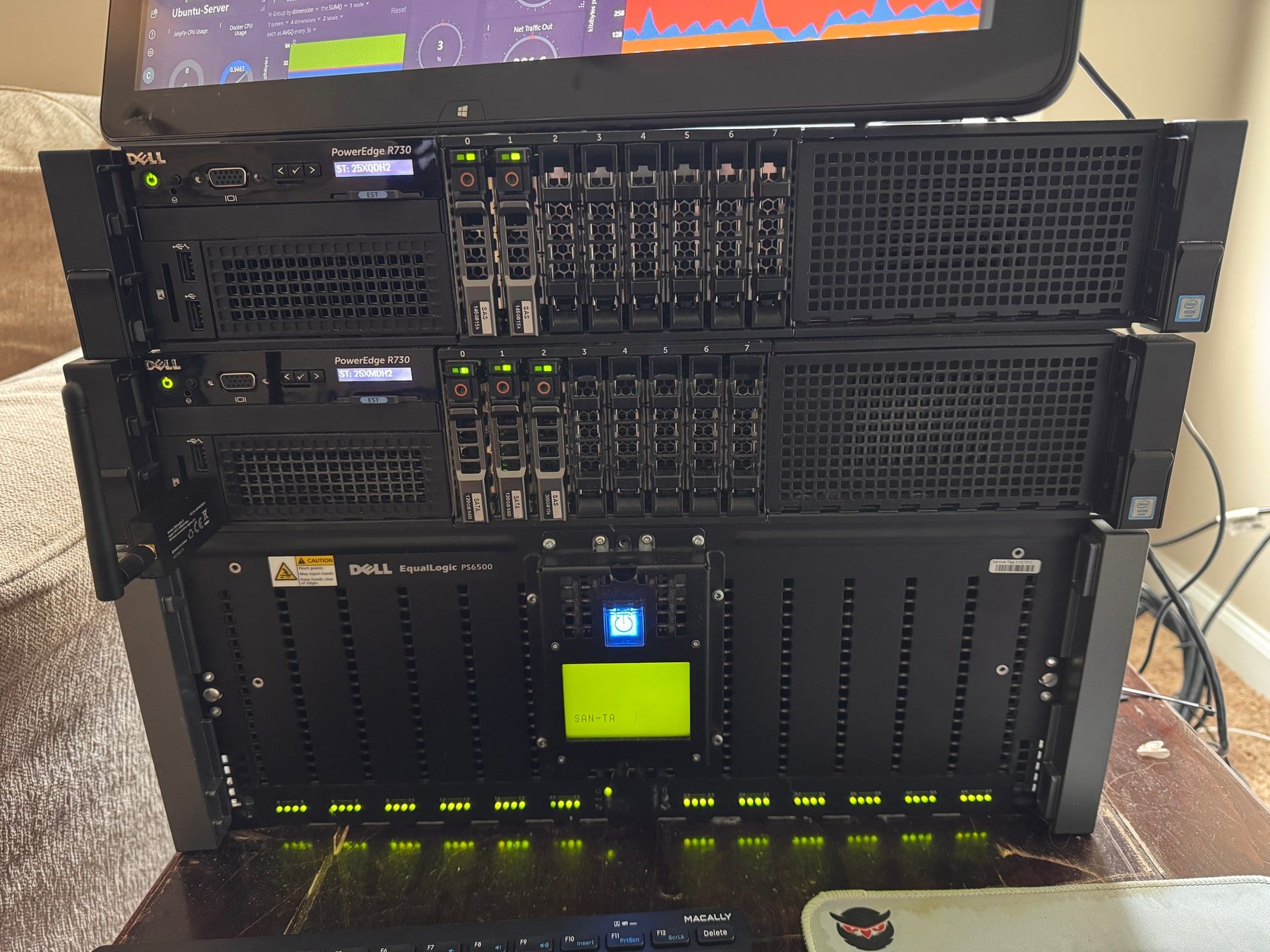
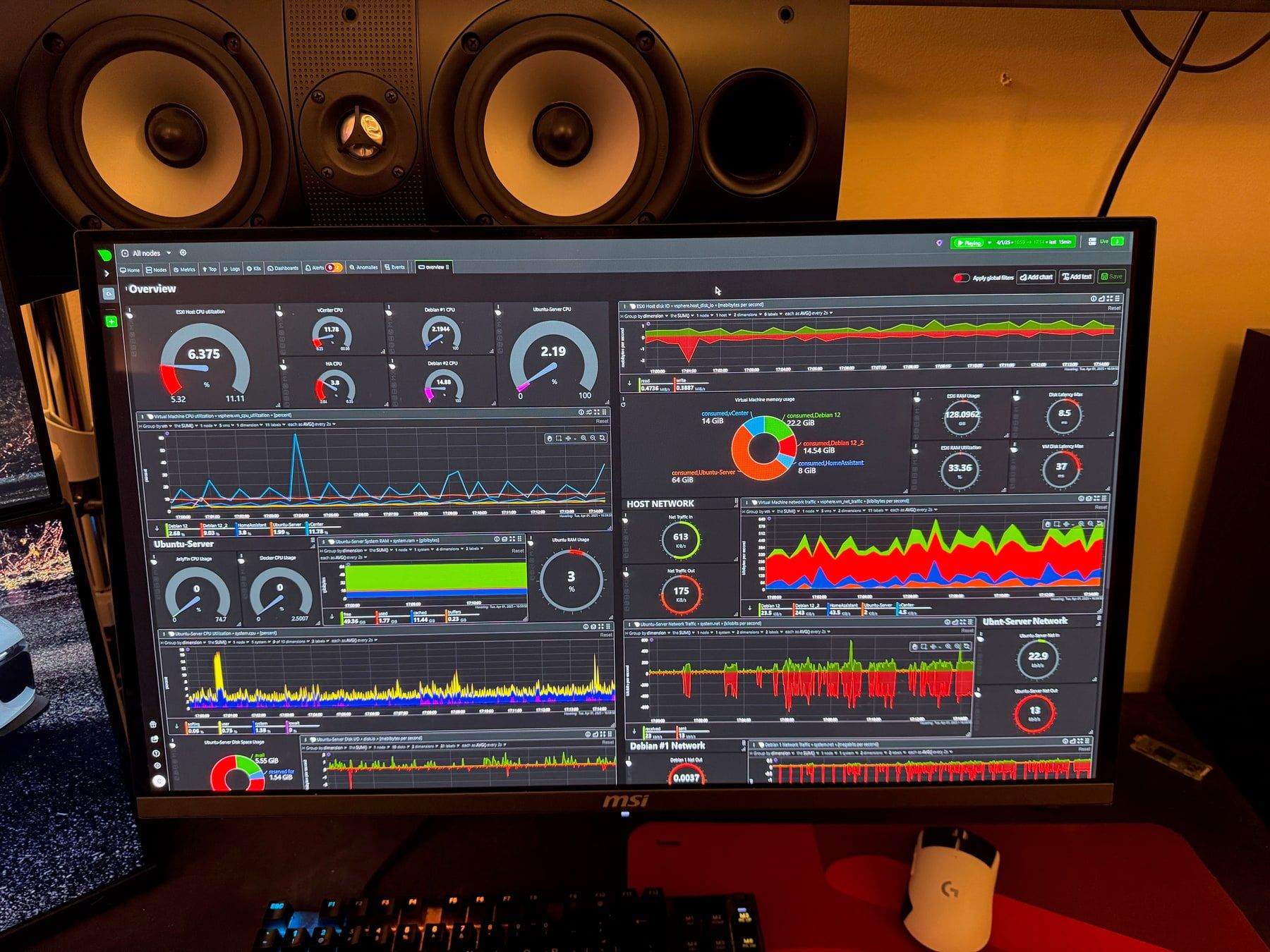
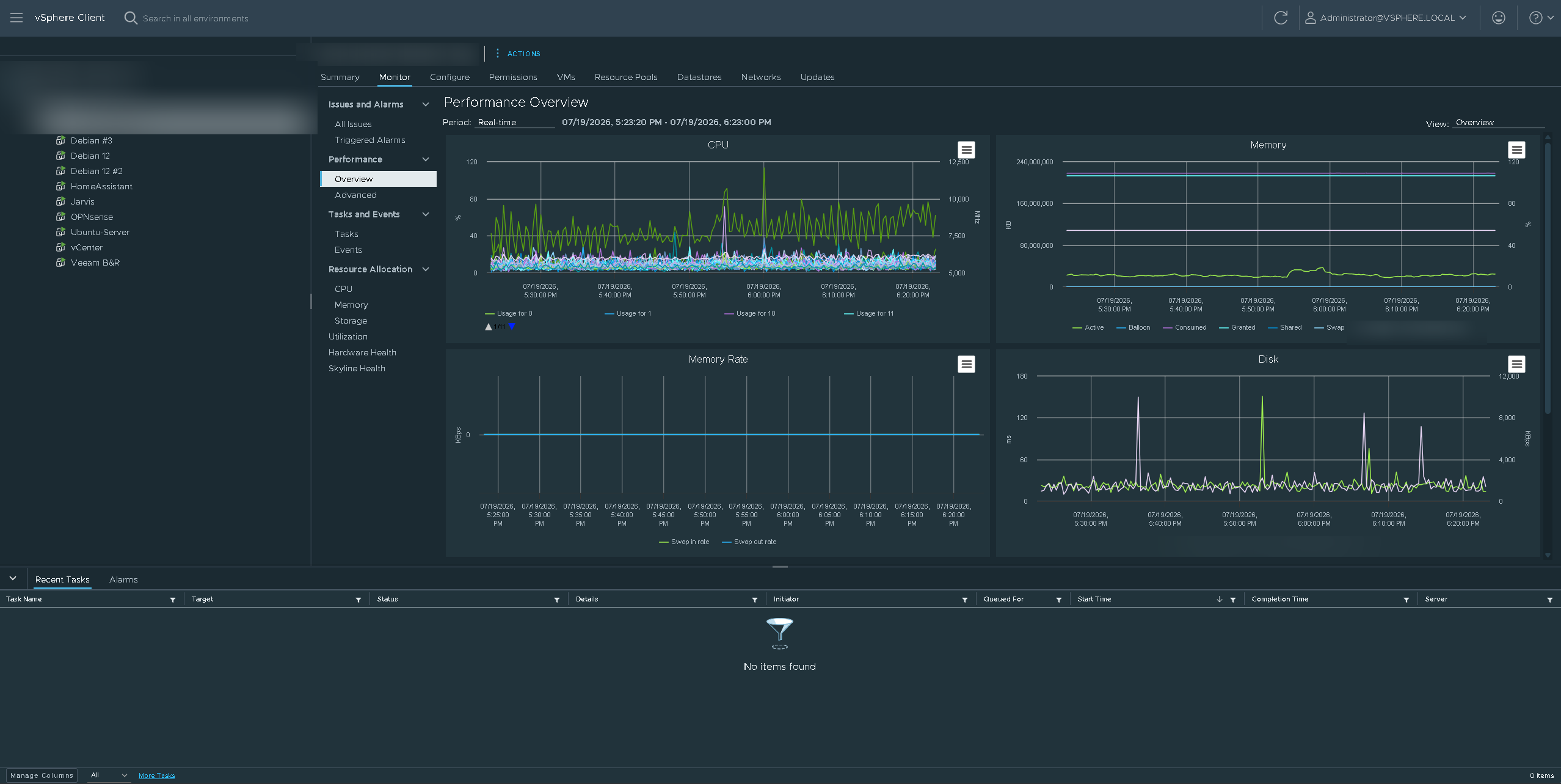
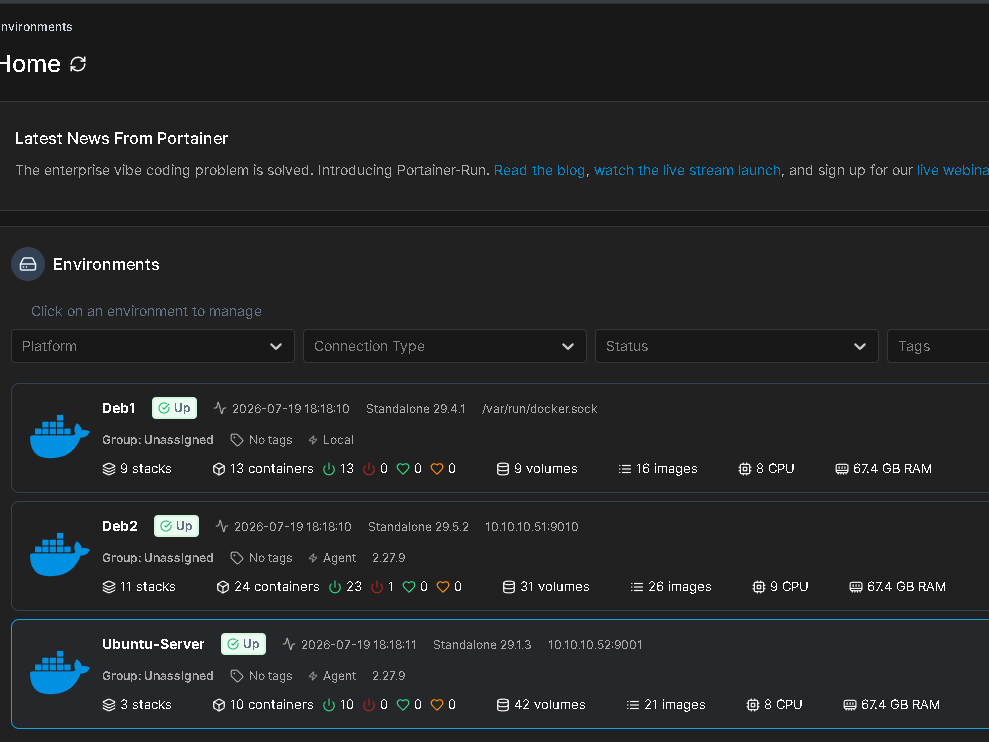
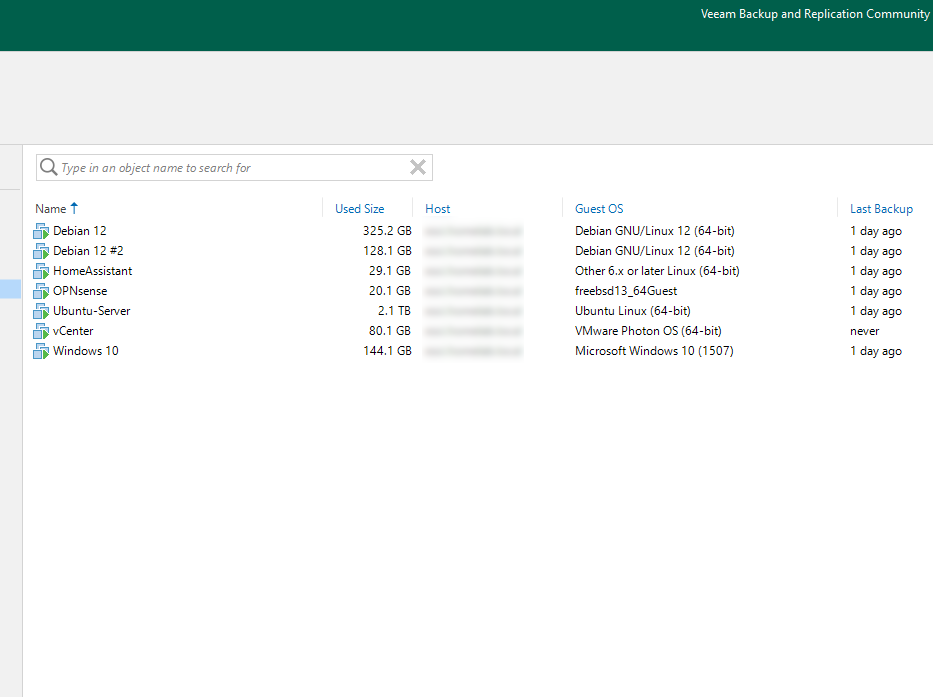
Portainer managed the container stacks across the fleet here, and the Veeam inventory shows backup jobs completing on schedule. Portainer has since been retired: it shows what is running but has no concept of what should be running, so I replaced it with a GitOps control plane that deploys every stack from a git repository. That migration is its own case study, Retiring Portainer for Komodo.
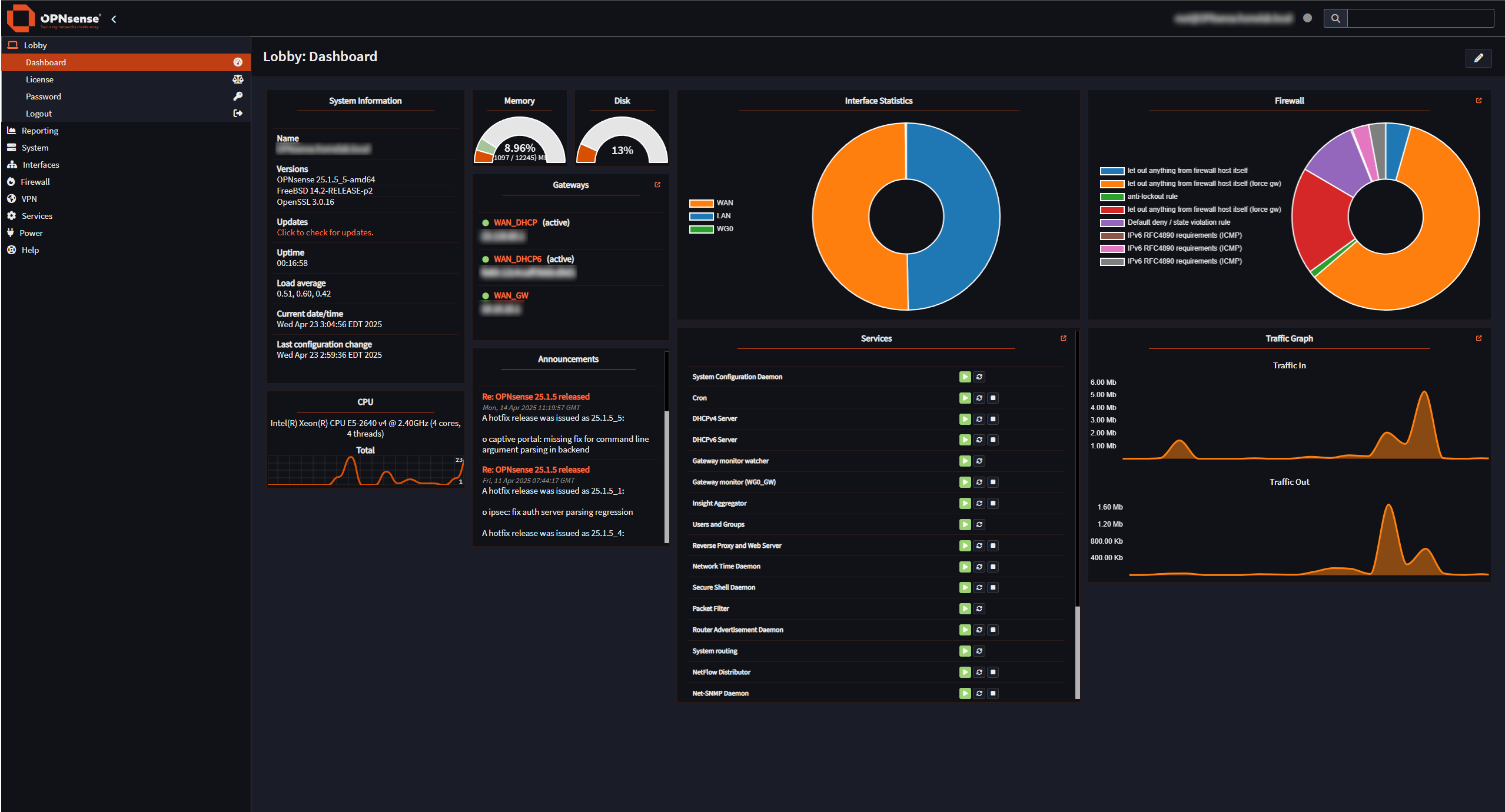
OPNsense held the edge for years, and that dashboard is the one I actually watched. It has since been retired too, for the same class of reason Portainer was: it was a virtual machine acting as the router for the network its own hypervisor depended on, which is a circular dependency you only discover on the day something goes wrong. It was replaced by a physical UniFi Cloud Gateway Fiber, and that cutover is its own case study.
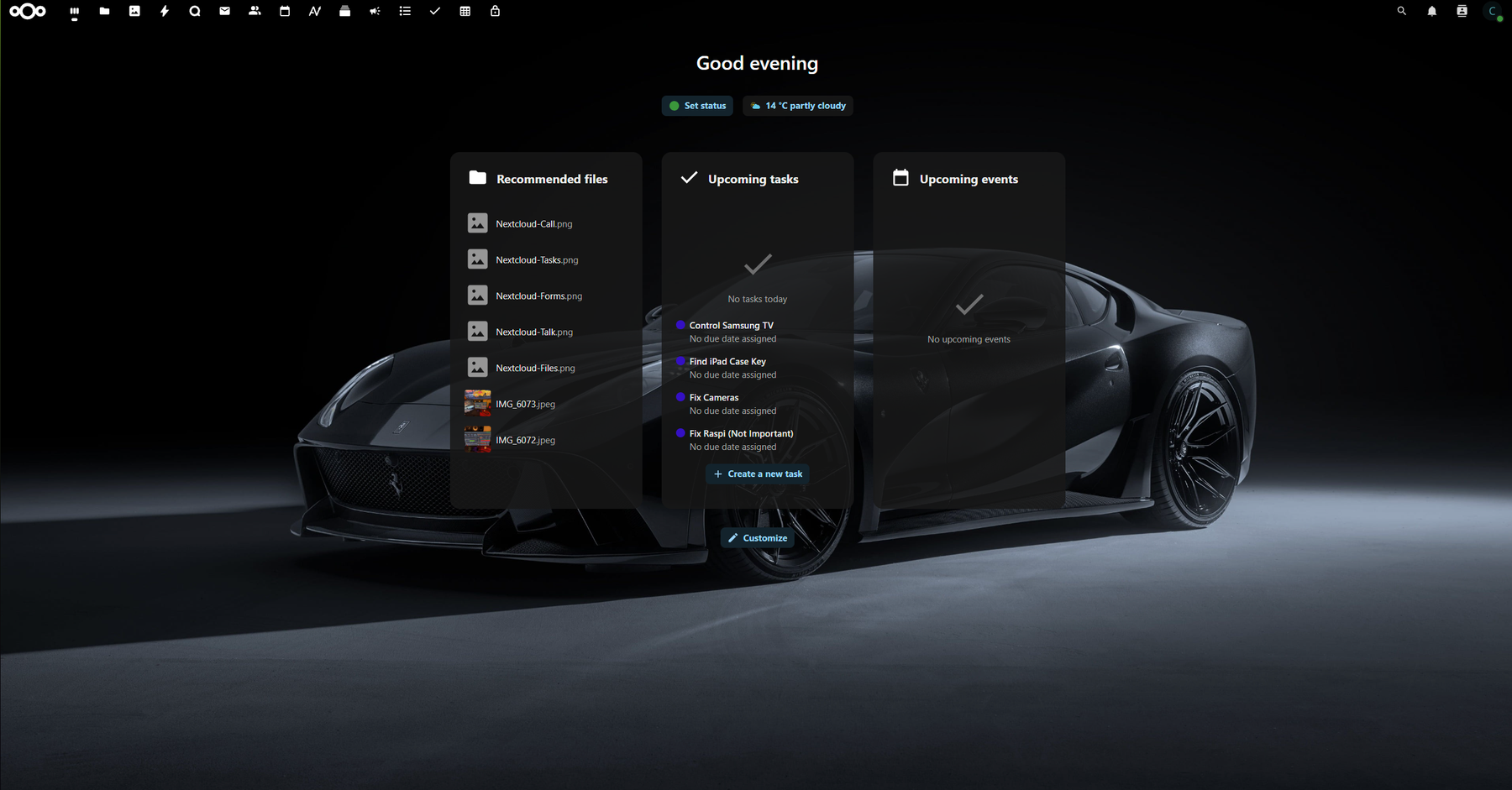
On top of that platform run more than twenty self-hosted services I actually depend on daily: Nextcloud for files, Vaultwarden for secrets, Jellyfin for media, Frigate for camera NVR duty, Home Assistant for automation, n8n for workflow automation, monitoring dashboards for visibility, and local GPU-backed LLM inference for private AI workloads.
Result
The lab is my proving ground and my production environment at once. Every skill on this site traces back to it: virtualization, network security, storage, backup strategy, monitoring, and the operational habit of documenting and automating instead of clicking through problems twice. When I say I can run infrastructure, this is the standing evidence, powered on right now, serving my daily life.